Learning how to download TikTok videos on iPhone is something millions of users search for every day — and the answer is simpler than you think.
In this guide, you’ll learn exactly how to download TikTok videos on iPhone in seconds, for free, and without the annoying TikTok watermark.
Why TikTok Doesn’t Let You Easily Save Videos
TikTok has a built-in “Save video” button, but it comes with two major problems:
- It adds a watermark — your saved video has the TikTok logo and the creator’s username stamped on it
- Not all creators allow saves — many accounts disable the save option entirely, leaving you stuck
That’s why a dedicated TikTok video downloader for iPhone is the better solution.
How to Download TikTok Videos on iPhone with SaveFromNet
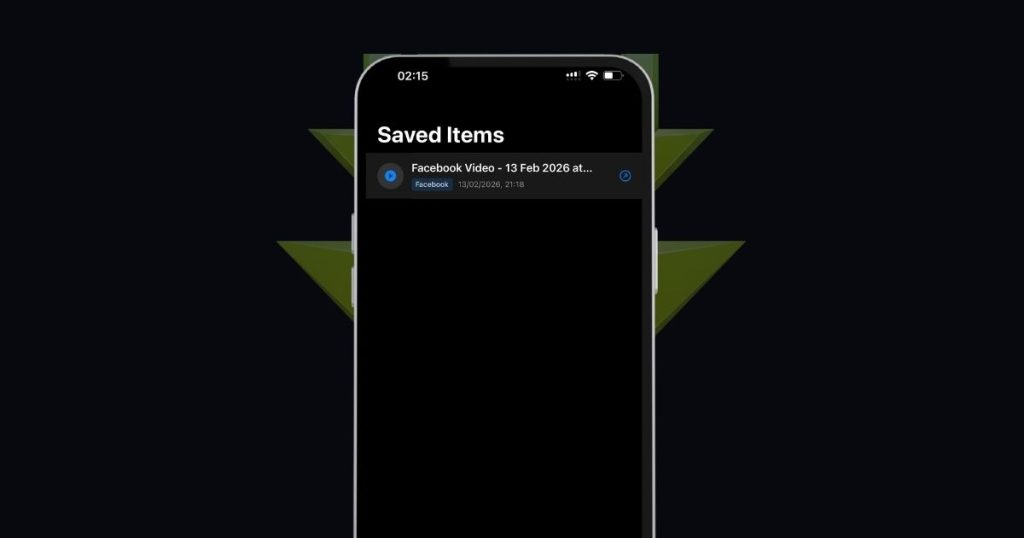
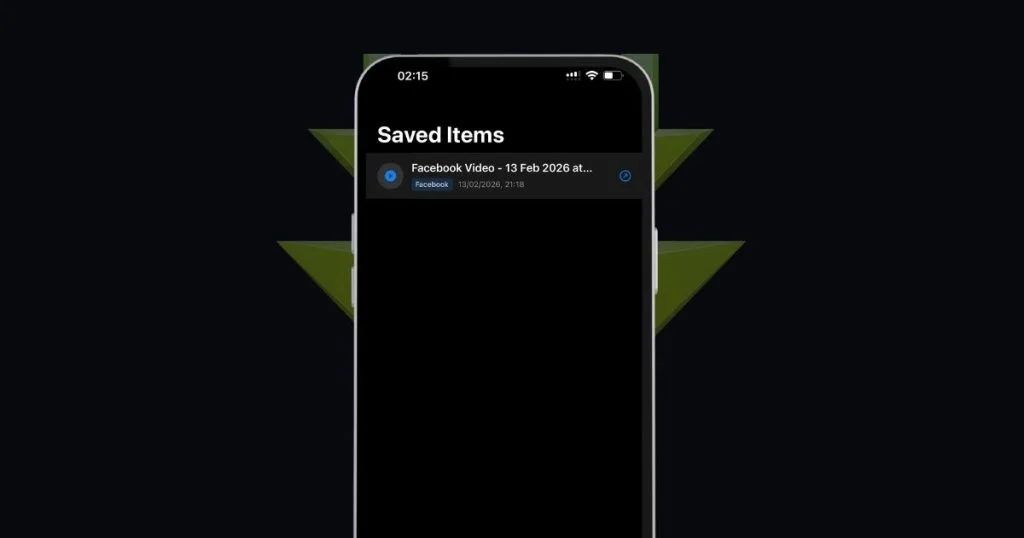
SaveFromNet is a free iPhone app that lets you download any TikTok video directly to your camera roll — no watermark, no account, no limits.
Step 1: Copy the TikTok video link
Open TikTok and find the video you want to save. Tap the Share button (the arrow icon), then tap Copy Link. The link is now in your clipboard.
Step 2: Open SaveFromNet and paste the link
Open the SaveFromNet app on your iPhone. The app will automatically detect the copied link. Tap Download.
Step 3: Save to your camera roll
In seconds, the video is downloaded and saved directly to your iPhone’s Photos app — clean, no watermark, full quality.
That’s it. Three steps and you’re done.
👉 Download SaveFromNet free on the App Store
Method 2: Use TikTok’s Built-In Save Feature
If the creator has enabled downloads, you can use TikTok’s native save option:
- Open the TikTok video
- Tap the Share icon (arrow pointing right)
- Tap Save video
The video will save to your iPhone camera roll — but with the TikTok watermark. If you don’t mind the watermark, this works fine. If you want a clean copy, use SaveFromNet instead.
Method 3: Screen Recording (Last Resort)
If a video can’t be downloaded any other way, you can always use iPhone’s built-in screen recorder:
- Swipe down from the top-right corner to open Control Center
- Tap the Screen Record button (circle icon)
- Play the TikTok video
- Stop the recording — it saves automatically to Photos
Downside: The quality is lower, your phone’s screen brightness affects the result, and any notifications that pop up will be recorded too. Only use this as a last resort.
Can You Download TikTok Videos on iPhone Without an App?
Yes — but it’s slower. Some websites let you paste a TikTok URL and download the video in your browser. The problem is these sites are slow, often show intrusive ads, and the downloads don’t always go directly to your camera roll.
A dedicated app like SaveFromNet is faster, cleaner, and saves directly to Photos with one tap.
Frequently Asked Questions
Is it legal to download TikTok videos on iPhone? Downloading TikTok videos for personal viewing is generally considered fair use. Never re-upload someone else’s content without their permission or claim it as your own.
Does SaveFromNet remove the TikTok watermark? Yes. SaveFromNet downloads the original video file without any watermark applied.
Can I download TikTok videos without WiFi? Yes — once a video is downloaded to your camera roll with SaveFromNet, it’s saved locally and you can watch it offline without any internet connection.
Why can’t I save some TikTok videos? Some creators disable downloads on their account. In those cases, TikTok’s native save button is hidden — but SaveFromNet can still download the video directly.
Is SaveFromNet free? 100% free. No subscription, no premium tier, no hidden fees.
Conclusion
Downloading TikTok videos on iPhone doesn’t have to be complicated. With SaveFromNet, you get a clean, watermark-free copy of any video in your camera roll in under 10 seconds — for free.
Stop screenshotting videos or losing them when creators delete their accounts. Save them directly with SaveFromNet.
Now you know exactly how to download TikTok videos on iPhone — fast, free, and without any watermark.
👉 Download SaveFromNet free for iPhone